Linux Endpoint Protection Best Practices
Get practical tips for Linux endpoint security. Explore updates, PoLP, firewall rules, SSH hardening, 2FA, and EDR tools to keep threats out and data safe. Stay vigilant; prevent future breaches today.

Linux endpoints may seem secure by design, but modern threats continue to target them. Attackers can exploit vulnerabilities, steal data, or disrupt operations without solid protection. Hardening the Linux environment is a must for businesses of any scale.
Protecting the core infrastructure and safeguarding the sensitive information requires discipline and due diligence. We will cover actionable steps you can take to build up the security of Linux in order to secure your systems. Let’s get started.
7 Best Practices for Linux Endpoint Protection
The threat landscape continues to evolve and grow for Linux-based systems, making endpoint protection essential. Best practices for Linux endpoint security boil down to measures like running only essential services, conducting audits for malicious activities, avoiding open ports, and configuring and updating the OS. Following best practices can ensure your Linux system is secure from cyber risks.
-
Update Systems Frequently
The simplest and most effective way of protecting Linux endpoints is by updating the systems regularly. When you regularly run updates on your systems, you will protect them from potential risks and security loopholes. When you install the latest security patches, you can fix bugs and enhance features on your current OS.
-
Practice PoLP
The Principle of Least Privilege(PoLP) is a part of everything constituting data protection 101. Just as you’re restricted from accessing the cash counter at a grocery store, PoLP restricts a user to limited resources at any given time. PoLP is an essential component of information security measures companies undertake, especially in today’s hybrid work culture. Here’s how PoLP works in Linux:
- Allows a user to create files with only read and write permissions and not execute
- Protects superusers and limits access to administrator privileges
- Prohibits the installation of applications and limits an attacker’s lateral network movement
- Improves operational performance by restricting breaches and malware spread
-
Install an Antivirus Software
Consider antivirus software as a bodyguard for your digital security. The software continually patrols your systems, scanning for any suspicious activity happening in the background. This extra layer of defense helps you find any cracks in the safety net you have deployed for your Linux endpoints. Running complete scans will help you uncover and destroy trojans, bugs, ransomware, and anything posing a risk to data security before it is too late.
-
Configure Firewall and Iptables
Configuring your firewall and Iptables is a great way to ensure that there are no unwarranted entries in your network. A firewall is a network security device that monitors the incoming and outgoing traffic on your systems and prevents unauthorized access.
Iptables is a command-line program that helps you customize traffic rules on your Linux system’s firewall. With Iptables, you can audit and filter traffic on your firewall by mentioning protocols, IP addresses, flags, etc., that can potentially harm your entire endpoint network.
-
Secure SSH Access For Endpoints
SSH (Security Shell) is a protocol used in corporate networks to provide safe access to users and all automated processes. SSH helps automate file transfers, solve connectivity issues, and successfully avoid security risks while exposing a cloud-based system on the internet. Securing SSH access is recommended to reduce the chances of attackers entering your system. Here are a few ways to secure SSH access:
- Disable SSH root login and log in through an alternate account
- Set timeouts on SSH connections to prevent unauthorized access
- Disable password authentication and instead use public key authentication for SSH sessions on your device
- Limit the number of SSH login attempts by making your Linux server forcefully stop the connection
- Establish firewall rules to stop attempts to sign in to SSH using weak passwords with default SSH credentials, usernames, etc.
-
Enable Two-Factor Authentication
Adding another layer of security to your Linux systems through two-factor authentication(2FA) will protect you from brute-force attacks and credential theft. This method requires more than one credential to prove your identity before granting access to an account. Apart from the usual password login, you will have to enter an OTP received via email/SMS or a code on an authenticator app.
-
Use an EDR solution
Finally, a guaranteed way to ensure endpoint protection for Linux systems is by implementing an EDR (Endpoint Detection & Response) solution. This EDR solution constantly checks for gaps across the network and fixes them on the go, thereby ensuring that all your endpoints are secure. It also alerts users of any incoming suspicious activity or an attack, preparing you to ramify a safety blanket on all the devices on the Linux OS network.
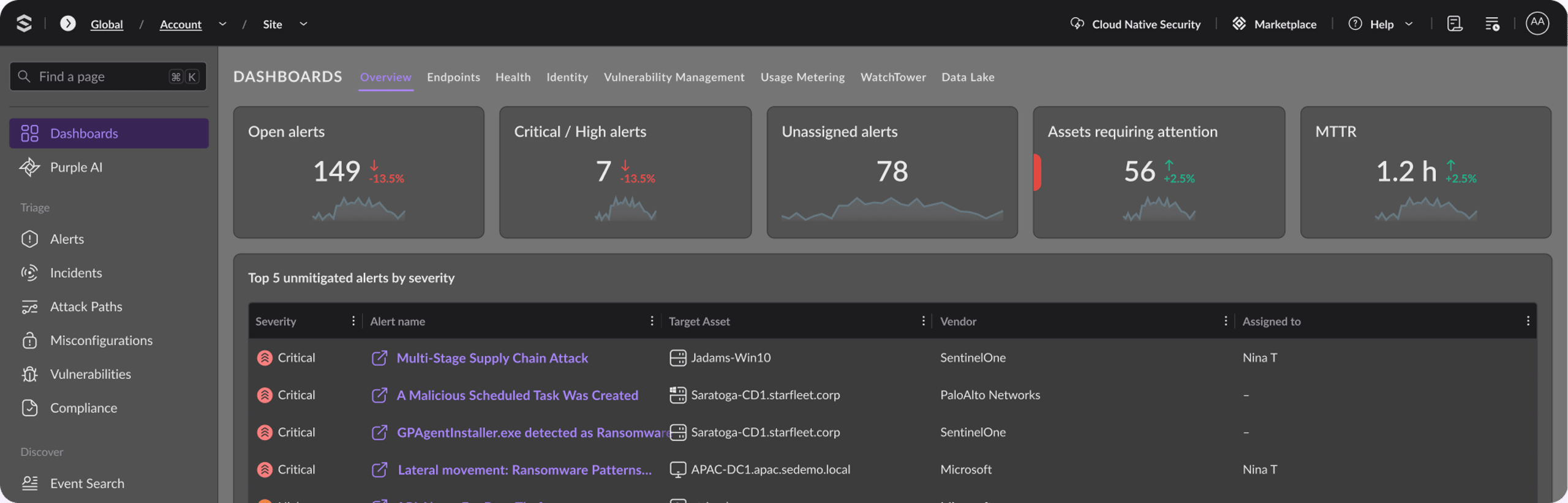
For example, SentinelOne EPP collects, investigates, analyzes, and automatically blocks and responds to security threats. It automatically and safely blocks threats without the user having to worry about security management and minimizes the impact of endpoint device resources despite having various analysis functions.
Linux Endpoint Security Solutions
When looking for an endpoint security solution, consider factors like platform compatibility, comprehensive threat detection, ease of configuration, and cost-effectiveness. Learn how SentinelOne’s Singularity Core can harness data and AI to protect your organization now and in the future.
Conclusion
Defending Linux endpoints goes beyond just keeping the software updated. Each of these strategies, from strict firewall rules to powerful EDR deployment, brings down the potential risk of breaches and data loss. Follow these best practices, and you’ll have a strong security culture that protects your systems from modern threats.
Keep your Linux infrastructure resilient with continuous vigilance. Prepare for new attacks and keep them at bay proactively. Protect your endpoints and protect your success. Keep your defenses strong and be prepared for the future. Contact SentinelOne today.
Linux Endpoint Protection Best Practices FAQs
Linux endpoints are often targeted because they run many servers and critical apps. Without proper protection, attackers can exploit vulnerabilities, leading to data theft, unauthorized access, or system damage. Linux might be less targeted than Windows, but threats are real and growing.
Protecting Linux endpoints helps stop malware, ransomware, and unauthorized changes, keeping your systems and data safe from harm and disruptions.
Start by keeping your system and software up to date with the latest patches. Use strong passwords and limit access with the Principle of Least Privilege. Enable firewalls and monitor logs regularly for suspicious activity. Use endpoint security tools that scan for malware and unusual behavior.
Regular backups and disabling unnecessary services also help reduce risk. Train users to be careful with downloads and commands they run.
Discover More About Endpoint Security

Endpoint Security that Stops Threats at Faster Speed and Greater Scale Than Humanly Possible.
One intelligent platform for superior visibility and enterprise-wide prevention, detection, and response across your attack surface, from endpoints and servers to mobile devices.