Understanding OpenClaw Security Risks
OpenClaw security risks come from privileged agent actions and credential exposure. Learn how SentinelOne helps find and govern AI agents before flaws spread.

Key Takeaways
- OpenClaw security risks come from the agent’s own privileges. OpenClaw runs with the same access as the user who launches it: it spawns shell processes, reads local files and secrets, and calls external APIs. An attacker who hijacks the agent inherits all of that reach.
- CVE-2026-25253 (ClawBleed) and the Claw Chain show how flaws compound. A single malicious webpage can steal the gateway token and trigger one-click RCE (CVSS 8.8). The Claw Chain CVEs then move from foothold to credential theft, privilege escalation, and host persistence, with every step looking like a routine tool call.
- Prompt injection and supply chain compromise are structural risks. Prompt injection operates above policy enforcement, so a hijacked agent can call tools that policy would otherwise deny. ClawHub skills ship after only a malware scan, which campaigns like ClawHavoc have exploited to spread infostealers.
- You can’t contain what you can’t find. OpenClaw spreads through individual developer adoption and runs as a local process that standard inventories miss. Recurring scans of port 18789, searches for all three branding variants, and reviews of OAuth write-scope grants surface shadow installations.
- Contain OpenClaw by limiting what a compromised agent can reach. Isolate execution, run it under a non-privileged account with short-lived tokens, enforce gateway authentication, allowlist ClawHub skills, patch on disclosure, and monitor behavior. Treat the agent as a privileged identity, not a SaaS app, and avoid blanket bans that push it into the shadows.
What Is OpenClaw?
OpenClaw is an open-source agentic AI assistant that runs with the same privileges as the user account that launches it. It executes tasks across local systems and connected APIs, including cloud services.
Originally released in late 2025 as Clawdbot, renamed Moltbot, then rebranded to OpenClaw on January 29, 2026, the tool operates with user-level access to spawn shell processes, read local files and secrets, and call external APIs from a persistent background process. It pulls third-party capabilities from ClawHub, a skill marketplace, and stores instructions in persistent memory files. OpenClaw is software that acts on your behalf, and it spread across organizations faster than most security teams could evaluate it.
That capability is also the risk. Anything the agent can reach, an attacker who hijacks it can reach too. Picture a user visiting a malicious webpage while OpenClaw is running locally. Through CVE-2026-25253, a high-severity flaw rated 8.8 on the Common Vulnerability Scoring System (CVSS), the page silently connects to the local server, steals the authentication token, and pivots into code execution. OpenClaw's power and its exposure share the same root: system-level access and credential handling, with untrusted code execution widening the blast radius. Governance starts with a map of where things break.
Key OpenClaw Vulnerabilities and Attack Vectors
Six risk categories cover the OpenClaw attack surface your security team needs to track, from remote code execution and prompt injection to supply chain compromise through ClawHub skills.
Risk category | Example | What it means |
Remote code execution | CVE-2026-25253 entry, CVSS 8.8 | One-click RCE via the gatewayUrl query parameter; cross-site WebSocket hijacking exfiltrates an authentication token |
Prompt injection | Architectural, unsolved | Hidden instructions in web content steer tool use and data exfiltration; an arXiv security audit identified prompt injection as a key failure mode |
Skill supply chain compromise | ClawHavoc campaign | Malicious ClawHub skills distribute infostealer malware with agent-level privileges |
Credential exposure | Plaintext config files | MEMORY.md and SOUL.md stored in plaintext; infostealers target API keys, bot tokens, and OAuth secrets |
Misconfiguration | Auth disabled by default | Default configuration can expose the local gateway broadly, including on all network interfaces |
Memory poisoning | SOUL.md persistence | Injected instructions write to persistent memory and survive session restarts |
Prompt injection sits at the top of this stack. One security analysis of the OpenClaw framework, published on arXiv, finds that it "operates above both" exec-policy bypass and skill-level escalation: a model that is successfully prompt-injected "may voluntarily invoke a tool that policy would otherwise have denied, rendering the policy irrelevant without ever triggering it."
You also need to treat the supply chain risk as structural. ClawWorm research found that ClawHub users can publish third-party skill packages after only a malware scan, with no mandatory code review or behavioral analysis. A separate skill ecosystem study documented vulnerabilities spanning prompt injection, data exfiltration, privilege escalation, and supply-chain risk. Attackers do not exploit these categories one at a time.
How OpenClaw Attacks Work
In practice, individual weaknesses combine into multi-stage chains that reach full host compromise. The clearest example is the Claw Chain set, a group of CVEs documented by Cloud Security Alliance Labs.
The Claw Chain research describes a chain that runs in four stages.
- Foothold. A malicious webpage or poisoned ClawHub skill gains code execution inside the OpenShell sandbox when the agent fetches attacker-controlled content.
- Data exfiltration. CVE-2026-44113 and CVE-2026-44115 harvest credentials and API keys through commands that look safe at validation time.
- Privilege escalation. CVE-2026-44118 exploits a Model Context Protocol (MCP) gateway that accepts a client-controlled senderIsOwner flag, granting owner-level access from any valid bearer token.
- Host persistence. CVE-2026-44112, a time-of-check to time-of-use (TOCTOU) write escape, redirects writes outside the sandbox to drop backdoors on host startup paths.
Each step mimics legitimate agent behavior, so the sequence can slip past conventional security alerts even as it moves toward host-level control. Signature-based detection cannot catch the chain reliably because the actions look like routine tool calls at every stage. That blind spot, where every action appears normal in isolation, determines who carries the risk.
Who Is Affected by OpenClaw Security Risks
Your exposure extends well beyond teams that formally approved the tool. OpenClaw spreads through individual developer adoption rather than centralized rollout, so the agent can appear on any machine where someone installs it for productivity. Three areas carry the most risk.
- Developer environments. An agent on a developer laptop inherits the ability to read SSH keys and modify source code with access into continuous integration and continuous delivery (CI/CD) pipelines at machine speed. When that agent is compromised, the attacker inherits the same reach and can move from a single laptop into build pipelines faster than any human review cycle can respond.
- Shadow installations. Research on shadow AI governance identifies systems unknown to security and compliance teams as an operationally significant challenge. Developer self-declaration alone will not surface them.
- Connected SaaS environments. When the agent holds write-scoped access to collaboration platforms such as Slack and Google Workspace, a single malicious prompt can spread across those platforms.
The common thread across all three is that the agent's access outlives the session that granted it. Credentials persist, OAuth scopes stay open, and the agent keeps running in the background. Every control that follows depends on knowing where the agent runs, which makes discovery the next priority.
How to Find OpenClaw in Your Environment
Your standard inventories can miss OpenClaw because it runs as a local process instead of a sanctioned SaaS app. Conventional endpoint tools see the process but do not interpret agent behavior, and a cloud access security broker (CASB) does not attribute tool calls that originate from an agent. You need deliberate, layered scanning to find it.
Start at the network layer. Check for OpenClaw listener activity on port 18789:
shell


Search for all three branding variants, "Clawdbot Control," "Moltbot Control," and "OpenClaw Control," because older deployments may still expose pre-rebrand labels. Watch for gateway traffic on endpoints. Review OAuth grants: write-scope connections to email and collaboration tools, including calendar access, signal an agentic connection that traditional OAuth review overlooks.
Discovery is not a one-time sweep. New installations appear as developers onboard the tool, and rebranded binaries can slip past searches tuned to a single name, so the scan needs to run on a recurring schedule to keep your inventory current. Once you know where the agent lives, you can start limiting what it can reach.
How to Contain OpenClaw Security Risks
Containing OpenClaw security risks starts with one question: what could the agent reach when compromised? Assume compromise is inevitable and design controls that limit the blast radius. The smaller the agent's reach when it is breached, the smaller the incident. Limit that reach with the following controls.
- Isolate execution. Run the agent in virtual machines or containers with network isolation. For skills that need no network access, restrict them with Firejail or equivalent sandboxing.
- Restrict privileges. Run OpenClaw under a non-privileged service account. Apply least-privilege to every agent identity and replace static credentials with short-lived tokens. A layered security framework describes least privilege as the foundational design guideline for agents.
- Harden the gateway. Turn on gateway authentication and explicitly validate WebSocket origins, the exact failure behind CVE-2026-25253.
- Govern skills. Audit and allowlist ClawHub skills. Cross-reference packages against reputation feeds and scan them before production use, treating ClawHub as an unvetted supply chain.
- Patch immediately. Treat any unpatched instance as compromised and prioritize fixes for the Claw Chain set and other disclosed OpenClaw CVEs.
- Monitor behavior. Deploy endpoint and network monitoring with behavioral baselines feeding your security information and event management (SIEM) platform.
- Set policy. Establish an AI acceptable use policy that explicitly covers agentic tools.
No single control covers the full chain from prompt injection to host persistence. The value comes from layering isolation, least-privilege, gateway hardening, and monitoring so that a failure in one layer does not hand an attacker the next. Even with strong controls in place, teams still repeat a handful of avoidable mistakes.
Common Mistakes When Securing OpenClaw
Security teams that recognize the risk still stumble on the same five anti-patterns. Each one widens OpenClaw security risks in a different way.
- Issuing a blanket ban. A ban without discovery and policy simply drives the tool into shadow installations you cannot see. The agent does not disappear. It moves out of your line of sight.
- Trusting ClawHub skills by download count. Polished documentation is the social engineering hook. Judge a skill by its code and provenance instead.
- Running the agent on a daily-use workstation. Sharing a machine with normal browsing exposes the agent to malicious webpage injection, the same vector behind CVE-2026-25253.
- Granting broad OAuth scopes. Wide permissions hand an attacker the agent's full reach the moment it is compromised.
- Treating OpenClaw like a standard SaaS app. SaaS-level controls miss privileged automation behavior entirely.
Every mistake on this list shares the same root cause: treating OpenClaw as a conventional application instead of a privileged automation identity. Closing these gaps requires tooling that sees agent behavior, correlates it with identity and endpoint signals, and constrains the blast radius before a single flaw cascades.
Secure AI Agents with SentinelOne
Governing OpenClaw at enterprise scale takes two things: visibility into every agent and control over what each one can do.
ClawSec, an open-source project from SentinelOne Prompt Security, hardens OpenClaw, NanoClaw, Hermes, and Picoclaw agents against the risks that come with their fast-growing skill ecosystems. It verifies every skill against signed checksums before it runs, continuously watches critical agent files for unauthorized drift, scans for prompt-injection markers and unsafe defaults on install, and pushes community-verified threat intelligence to every subscribed agent through a live advisory feed. Every action defaults to zero trust, blocking unauthorized egress and telemetry so an agent never communicates externally without a human's explicit consent. The entire suite is free and installs with a single command.
Pair that agent-level hardening with Singularity™ Identity to validate access at runtime for human and non-human identities, including AI agents and service accounts that access APIs. Use Singularity Endpoint for Behavioral AI protection, identification, and response across endpoints, including ransomware response with behavioral and static AI models.
The Singularity Platform gives you a single agent and console backed by a single data lake across endpoint and identity, with cloud coverage in the same platform. Purple AI™ puts an AI security analyst beside your team, one that takes questions in natural language and runs autonomous investigations and threat hunts. An IDC business value study measured 63% faster threat identification and 55% faster remediation for Purple AI customers. AI SIEM adds real-time ingestion from any source with Open Cybersecurity Schema Framework (OCSF) normalization on a petabyte-scale data lake.
To address OpenClaw security risks at scale, you shift your operating model from monitoring what employees type to governing what agents execute. You find unmanaged agent activity, correlate endpoint and identity behavior, and constrain the blast radius before a prompt, skill, or gateway flaw becomes host-level control. Request a SentinelOne demo to see how it works in your environment.
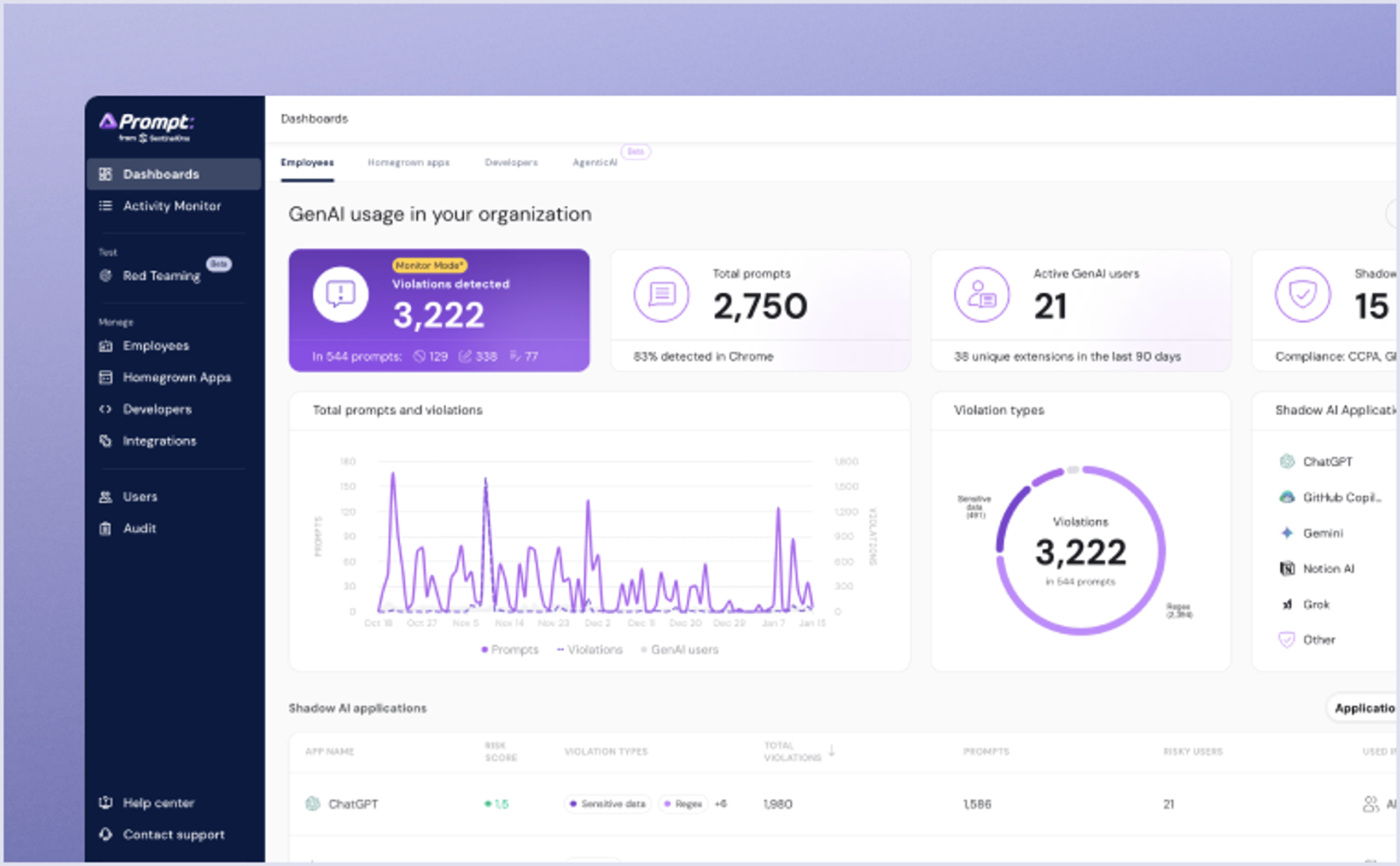
Get complete visibility, security and governance over AI usage in your organization. Uncover shadow AI, protect your sensitive data and safely enable AI in the organization.
Conclusion
Treat OpenClaw as both a productivity tool and a privileged identity. Its capability and risk come from the same root: system-level access and credential handling, with untrusted skill execution expanding exposure. Documented CVEs like ClawBleed (CVE-2026-25253) and the Claw Chain set, plus architectural prompt injection, make governance non-optional.
Find every instance, isolate and least-privilege the agent, validate the gateway, allowlist skills, and patch on disclosure. Do that, and OpenClaw becomes what it promised to be: a productivity gain your security team can stand behind.
FAQs
OpenClaw is an open-source agentic AI assistant that executes tasks across local systems and connected APIs with the same privileges as the user account running it. It spawns shell processes, reads local files and credentials, calls external APIs, and pulls third-party capabilities from ClawHub, a skill marketplace.
Security risks stem from that system-level access: remote code execution through CVE-2026-25253, chainable Claw Chain vulnerabilities, architectural prompt injection, malicious skills, plaintext credential storage, and insecure default configurations.
OpenClaw can be safe in an enterprise, but only under strict governance. Run it in isolated containers under non-privileged accounts, validate gateway authentication, allowlist skills, patch on disclosure, and monitor behavior.
Treat the agent as a privileged automation identity. Without these controls, default configurations and unvetted skills create substantial exposure across endpoints and credentials, including connected SaaS tools.
CVE-2026-25253, aliased "ClawBleed," is a one-click remote code execution (RCE) vulnerability rated high severity (CVSS 8.8). OpenClaw before version 2026.1.29 reads a gatewayUrl from a query string and opens a WebSocket connection without prompting, transmitting an authentication token.
An attacker can steal that token through cross-site WebSocket hijacking and chain it into RCE against the local OpenClaw server.
Security teams can find OpenClaw by scanning port 18789 with tools like nmap and lsof, watching for gateway traffic, and reviewing OAuth grants for write-scope agentic connections. Search network results for all three branding variants, since older deployments may still expose pre-rebrand labels.
Standard app inventories can miss OpenClaw because the agent runs as a local process instead of a sanctioned SaaS application.
ClawHub is OpenClaw's third-party skill marketplace. Publishers clear only a malware scan, with no mandatory code review or behavioral analysis. That matters because skills execute with agent-level privileges and direct access to credentials.
The ClawHavoc campaign distributed malicious skills delivering infostealer malware, which makes skill allowlisting, package review, and production scanning core parts of OpenClaw governance.
Prompt injection hides malicious instructions inside content the agent reads, such as a webpage it summarizes. Because the agent cannot reliably separate your goal from embedded instructions, it can execute data exfiltration or tool calls using legitimate system tools.
It operates above policy enforcement, so a successful injection can make execution controls irrelevant even when the individual tool call appears normal.
Discover More About Data and AI



Ready to Revolutionize Your Security Operations?
Discover how SentinelOne AI SIEM can transform your SOC into an autonomous powerhouse. Contact us today for a personalized demo and see the future of security in action.