ChatGPT Security: Risks, Privacy & Enterprise Safeguards
ChatGPT security protects company data when employees use AI assistants. Learn the risks, how data handling differs by tier, and the safeguards that enable governed use.

Key Takeaways
- ChatGPT security involves protecting sensitive data, user accounts, prompts, outputs, and connected systems from unauthorized access, misuse, and accidental exposure.
- Major ChatGPT security risks include data leakage, prompt injection, account compromise, malicious code generation, inaccurate outputs, and AI-assisted phishing or social engineering.
- ChatGPT’s data handling varies by plan, settings, and integrations, so organizations must understand how prompts are stored, retained, accessed, and potentially used before sharing business information.
- Unmanaged ChatGPT usage can create shadow AI and compliance risks, reducing visibility into what employees share and increasing the possibility of intellectual property or confidential data exposure.
What Is ChatGPT Security?
In the summer of 2025, the official who leads the U.S. agency responsible for defending federal networks pasted sensitive government files into a public version of ChatGPT. CISA's acting director uploaded contracting documents marked "For Official Use Only", and internal monitoring sensors flagged the activity within days. A Department of Homeland Security review followed. No breach. No attacker. A few prompts, and sensitive data had left controlled systems.
That is the exposure ChatGPT security exists to close. ChatGPT security is the set of practices that protect your workplace data and accounts when employees use ChatGPT and similar AI assistants at work.
The risk is built in: depending on the account tier, the prompts employees enter can be retained or used to train future models, so without organizational controls your data leaves your environment through ordinary day-to-day work. Put the right tier, policy, and enforcement in place, and the same tool your employees already use becomes one your security team can see and govern.
How ChatGPT Security Fits Enterprise Security
Generative AI adoption has spread across the workforce, and security teams now have to put governance around that usage. Within your security program, the work sits on two surfaces: the prompts employees send to AI assistants, and the accounts and integrations that connect those assistants to your systems.
Shadow AI widens the problem, because activity through personal accounts and unapproved channels runs with no visibility for your security team. The goal is governed enablement: a sanctioned path to ChatGPT that keeps the work off personal accounts you cannot see.
ChatGPT Security Risks
Organizations face data exposure, model-training, prompt injection, account compromise, shadow AI, hallucination, and integration risks when employees use ChatGPT or similar AI assistants:
- Sensitive data entered into prompts. Employees paste source code, customer records, and financial data into ChatGPT. No attack is required for data to leave your environment.
- Prompts used to improve models. On consumer accounts, whether prompts train future models depends on each user’s settings, with no centralized enforcement.
- Prompt injection and jailbreaks. Prompt injection is a recognized risk for large language models (LLMs). Indirect injection can trigger data exfiltration from the session.
- Account and credential compromise. Stolen ChatGPT credentials expose conversation history, and integrations with cloud storage or email can create OAuth scope escalation.
- Shadow AI from unsanctioned use. Personal accounts and unapproved tools remove visibility and bypass the controls attached to sanctioned enterprise deployments.
- Inaccurate or fabricated output. NIST’s Generative AI Profile (NIST AI 600-1) characterizes hallucination as an open risk management challenge. Fabricated outputs acted upon without review introduce errors into business decisions.
- Third-party plugin or integration exposure. Third-party code and connected tools can introduce supply chain and session-data exposure risks.
These risks share one root and it is one you can govern. How much exposure you carry depends on how ChatGPT handles your data at each tier, which is where the account you use starts to matter.
How ChatGPT Handles Your Data
When an employee submits a prompt, ChatGPT sends it to OpenAI's infrastructure and stores the prompt and response as part of the conversation. What happens after that depends on the account tier.
Data handling | Consumer | Business | Enterprise |
Training on your prompts | May be used to improve models, depending on user settings | Not used to train models | Not used to train models |
Control model | Depends on individual user action | Admin-enforced | Admin-enforced |
Data retention | Default retention, limited control | Organization-managed | Custom retention policies |
Identity | Individual logins | SSO | SAML SSO with SCIM provisioning |
Audit and compliance | None | DPA, basic controls | Compliance API, audit logs, customer-managed encryption keys, DPA |
That difference in data handling is what turns unmanaged use into business risk, and it sets up the cost you carry when the controls are missing.
The Cost of Unmanaged ChatGPT Use
Unmanaged ChatGPT costs the enterprise in three ways: data control, competitive position, and compliance. When employees paste proprietary code or customer information into consumer-tier prompts, that data reaches an external AI service, and your organization can lose practical control over it.
The same exposure puts competitive information at risk, since tier and data-handling settings affect whether trade secrets and proprietary algorithms entered into prompts stay inside your organization.
The exposure is also a compliance and trust problem. Existing privacy and confidentiality obligations still apply when you use AI tools, so sending regulated data such as personally identifiable information (PII) or protected health information (PHI) to a consumer AI tool without a Data Processing Agreement (DPA) can trigger violations under GDPR, HIPAA, or similar rules. Public disclosure of any of these can signal to customers and regulators that your data governance has gaps.
Challenges in Securing ChatGPT Use
Even with a policy in place, ChatGPT use is hard to govern in practice. Four constraints work against you:
Challenge | Why it is hard to control |
Limited visibility into AI traffic | Network monitoring cannot inspect what employees type into a browser-based AI tool, and endpoint telemetry rarely separates sanctioned use from unsanctioned use |
Rapid feature changes | OpenAI updates ChatGPT's capabilities and data policies frequently, so governance documentation can fall behind within weeks |
Demand outpacing policy | Employees adopt new tools faster than security and legal teams can evaluate them |
Vendor-controlled data handling | You do not set OpenAI's retention timelines, training policies, or access controls for its infrastructure |
These constraints are why policy alone is rarely enough, and why the safeguards below pair written rules with technical enforcement.
Enterprise Safeguards for ChatGPT
Your teams can use ChatGPT safely at work when the right controls are in place. Most exposure traces back to a single behavior, employees pasting source code, credentials, or customer records into a prompt, so the safeguards below combine written rules with technical enforcement to make that behavior visible and preventable:
- Set an acceptable-use policy for AI tools. Define which AI tools are approved, which data categories are prohibited in prompts, such as PII, PHI, source code, credentials, trade secrets, and legal documents, and the consequences for non-compliance. NIST AI 600-1 offers risk-management guidance for structuring this policy.
- Adopt the enterprise tier with data controls and single sign-on (SSO). Move to ChatGPT Business or Enterprise to get stronger organizational controls, SSO, and a DPA. If your organization requires custom data retention, audit logs, System for Cross-domain Identity Management (SCIM), or customer-managed encryption keys, Enterprise provides the fullest set of these capabilities.
- Apply data loss prevention and data classification. Classify your data before it reaches an AI tool. Use data loss prevention (DLP) to inspect outbound traffic, and block access to unsanctioned AI endpoints at the proxy or firewall layer.
- Control access and review AI usage. Enforce role-based access scoped to defined use cases. Log identity, timestamp, AI endpoint, and data volume for outbound AI traffic. On ChatGPT Enterprise, enable the Compliance API and audit logs. A broader AI security posture connects policy with technical enforcement.
- Train employees on safe prompting. Follow CISA's model and require employee AI training for AI tool use. Cover the acceptable-use policy, prohibited data categories, how to validate AI output, and incident reporting for accidental data exposure. Require annual recertification.
- Run vendor due diligence on data handling. Confirm that your DPA explicitly covers AI prompt content and traditional data processing. Verify certifications and establish contractual notification timelines for data breaches.
These safeguards work as a system. Policy sets the boundaries. Tier selection establishes the contractual and technical baseline. DLP and visibility enforce the policy technically. Training builds the human layer, and due diligence closes the vendor gap.
Improve ChatGPT Security with SentinelOne
Policy and tier selection set the rules. SentinelOne enforces them at the point of interaction: the prompt itself. Prompt Security finds and controls regulated data, source code, and credentials before they enter ChatGPT or other consumer AI tools. It stops data exfiltration inside the browser.
Singularity™ Identity ties each AI session to a human or non-human identity, including AI agents and service accounts, so your team can trace an exposure event to its source.
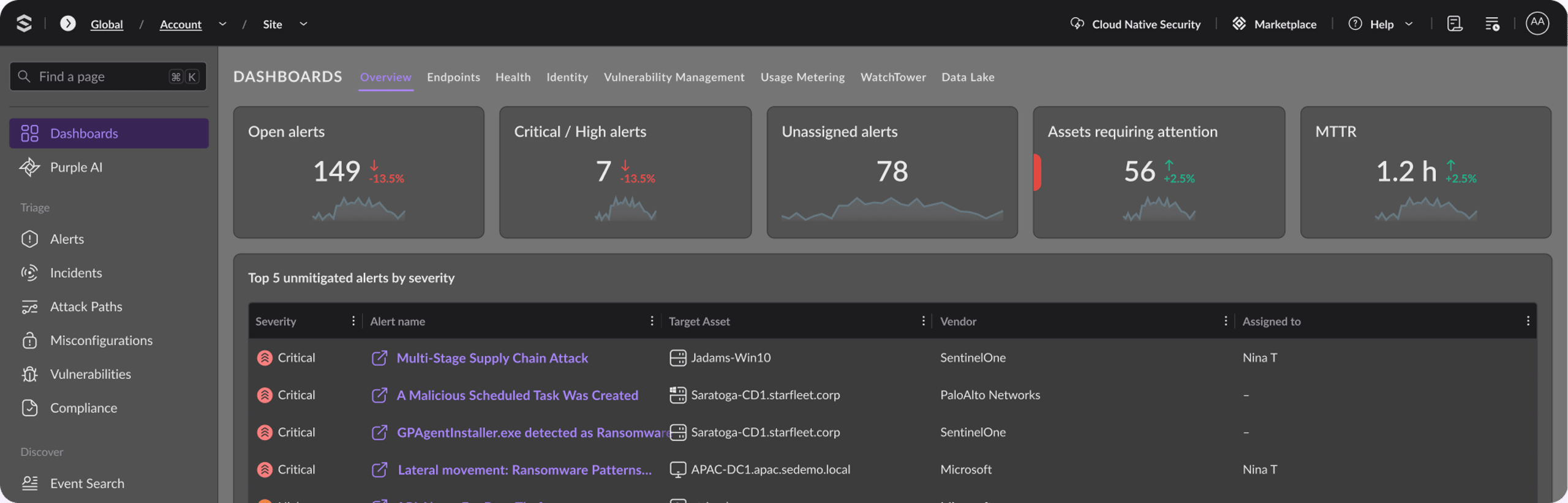
Purple AI™ turns investigation into plain language. Analysts ask a question, rebuild the timeline, and judge whether an exposure was accidental or malicious. IDC reports 63% faster threat identification and a 55% drop in mean time to respond.
Across the Singularity Platform, SentinelOne posted 88% fewer alerts with 100% detection in the 2024 MITRE ATT&CK Evaluations, so SOC teams spend less time on noise and more on the AI and identity activity that carries real risk. For broader extended detection and response (XDR) visibility, those events correlate with endpoint, identity, and cloud signals in one place.
Request your SentinelOne demo today to start governing how your teams use AI.
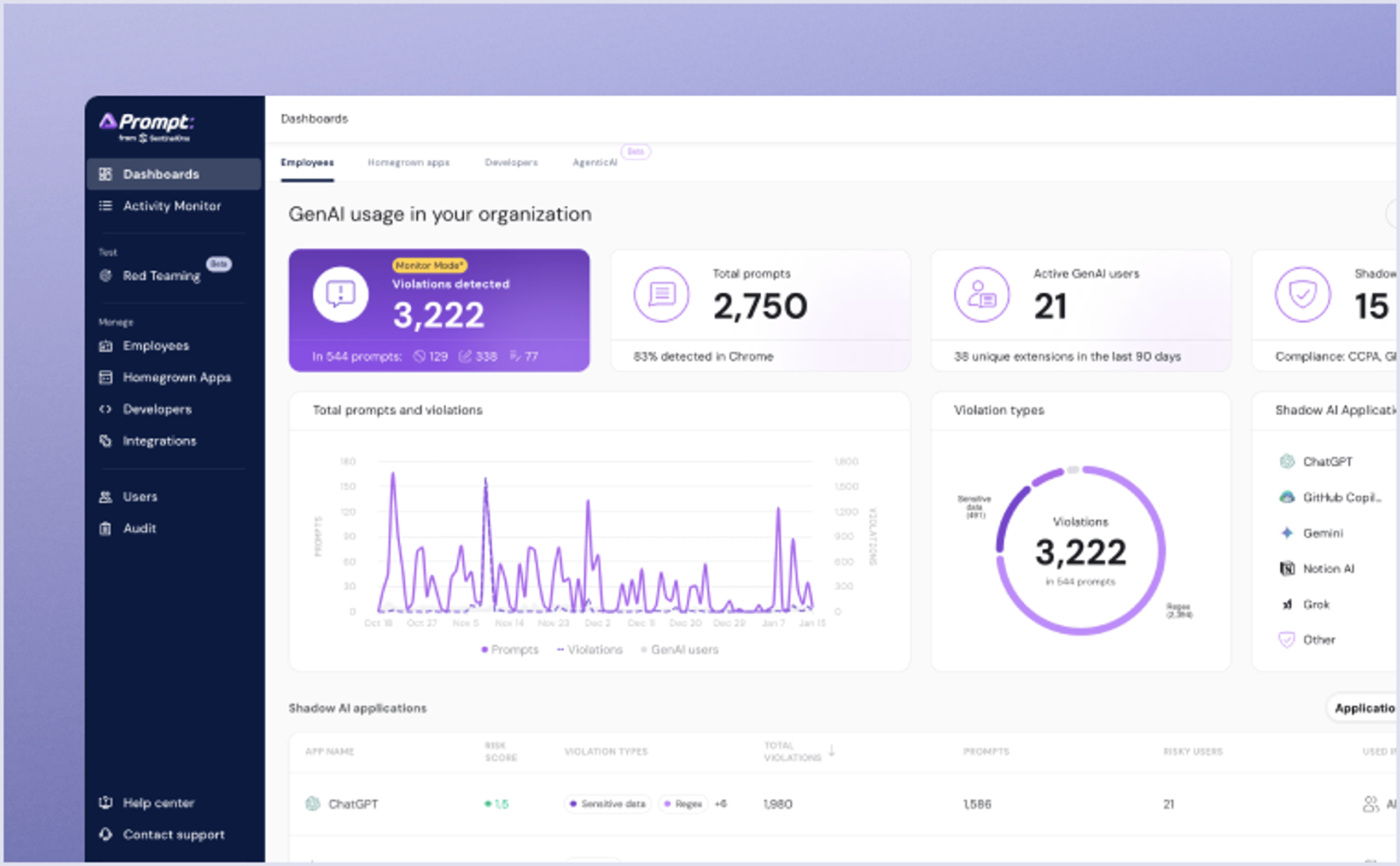
Get complete visibility, security and governance over AI usage in your organization. Uncover shadow AI, protect your sensitive data and safely enable AI in the organization.
Conclusion
ChatGPT security protects your data when employees use AI assistants. The central risk is data exposure through prompts, amplified by shadow AI that removes visibility. Consumer use relies more on individual settings, while Business and Enterprise tiers provide stronger organizational controls.
Governed enablement combines acceptable-use policy, the right tier, data loss prevention, visibility, training, and vendor due diligence. Put those pieces in place, and your teams keep every advantage ChatGPT gives them. Your sensitive data stays where it belongs.

Unleash AI-Powered Cybersecurity
Elevate your security posture with real-time detection, machine-speed response, and total visibility of your entire digital environment.
FAQs
ChatGPT security is how you govern the data path between employees and AI assistants: which accounts and tiers handle prompts, what data is allowed in them, and who can see the activity. No single setting delivers it.
In practice it is a shared responsibility across security, legal, and identity teams. The work starts with knowing which AI accounts your people already use, then attaching policy and monitoring to them.
ChatGPT Enterprise provides admin-enforced data controls, custom retention policies, Security Assertion Markup Language (SAML) SSO with SCIM provisioning, customer-managed encryption keys, and a Compliance API with audit logging. It also supports a GDPR-compliant DPA.
Consumer use depends much more on individual settings, while Enterprise gives you centralized governance features that your security, legal, and identity teams can enforce across the environment.
That depends on the tier and settings. On consumer accounts, prompts may be used to improve future models depending on individual user settings. Business and Enterprise deployments give the organization direct control over whether prompt content is retained or used for training.
If your employees handle sensitive data, treat tier selection itself as a security control and confirm the training behavior in your contract.
It can be, with the right controls. Adopt a Business or Enterprise tier for contractual data protections. Pair it with an acceptable-use policy, data loss prevention, employee training, and visibility into usage.
Public LLMs are not the place for sensitive information. Make sure employees use the sanctioned, governed channel so the work stays off personal accounts and unapproved tools that bypass your controls.
Shadow AI refers to employee use of AI tools through personal accounts or unapproved applications, outside the organization's provisioned and monitored environment.
Shadow AI removes visibility for security teams, bypasses data controls, and creates compliance exposure that standard endpoint telemetry may not find. In practice, it turns AI adoption into an unmanaged data path, which is why blanket bans often fail.
GDPR applies if prompts contain EU personal data, requiring a DPA and lawful processing basis. HIPAA applies if prompts contain protected health information. The Payment Card Industry Data Security Standard (PCI-DSS) applies if payment card data is involved. Existing privacy and consumer protection laws still apply to AI use.
Sector-specific rules, including the Sarbanes-Oxley Act (SOX), the Gramm-Leach-Bliley Act (GLBA), and state privacy laws, may also apply depending on the data type, business function, and jurisdiction involved in the prompt workflow.
Discover More About Data and AI


Ready to Revolutionize Your Security Operations?
Discover how SentinelOne AI SIEM can transform your SOC into an autonomous powerhouse. Contact us today for a personalized demo and see the future of security in action.