Akira Ransomware: In-Depth Analysis, Detection, and Mitigation
What Is Akira Ransomware?
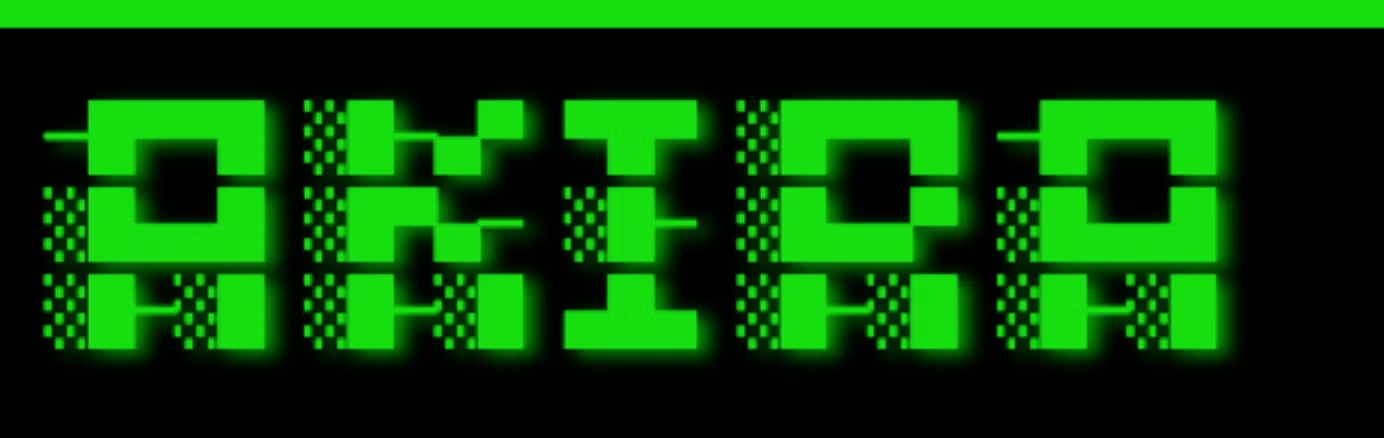
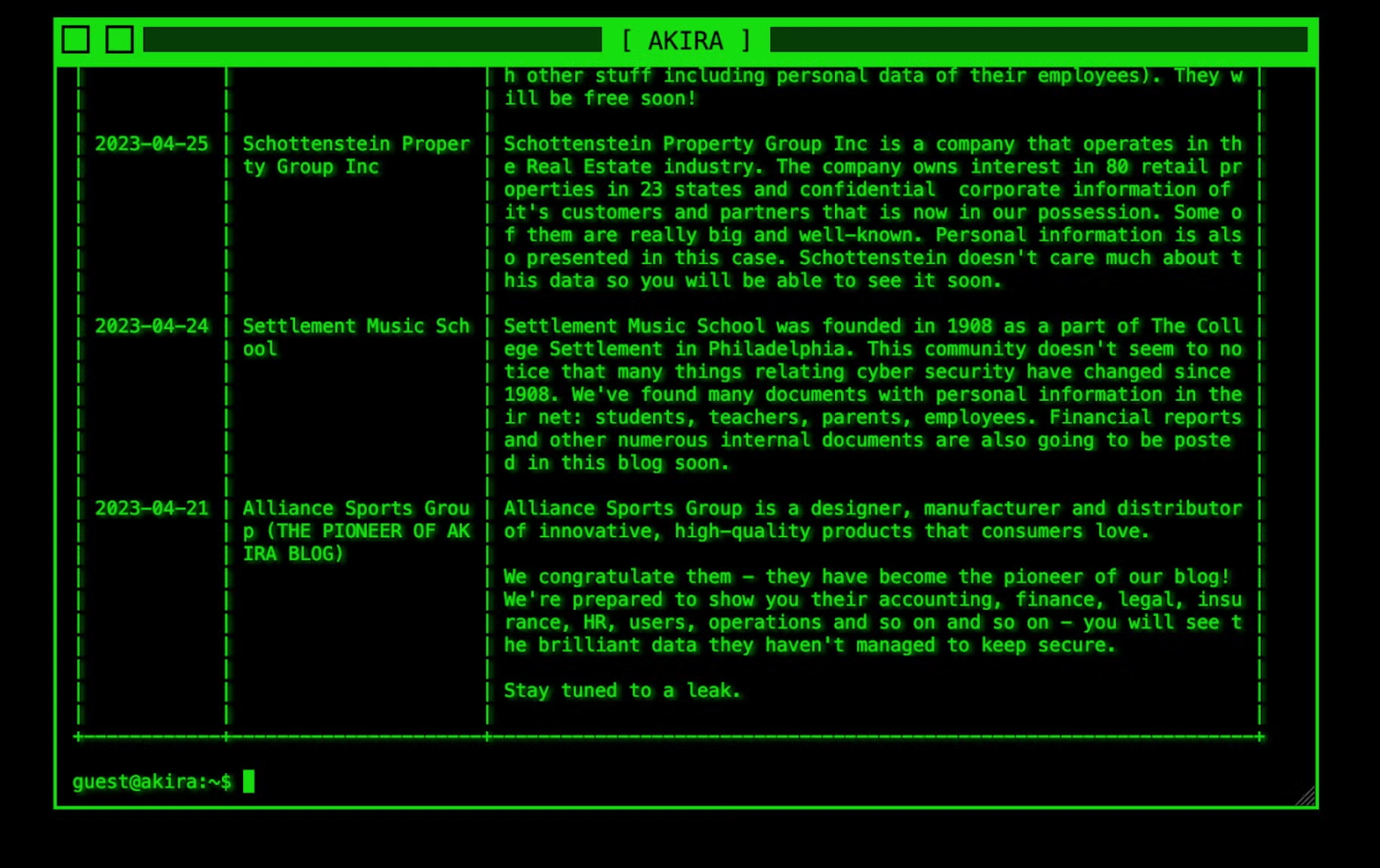
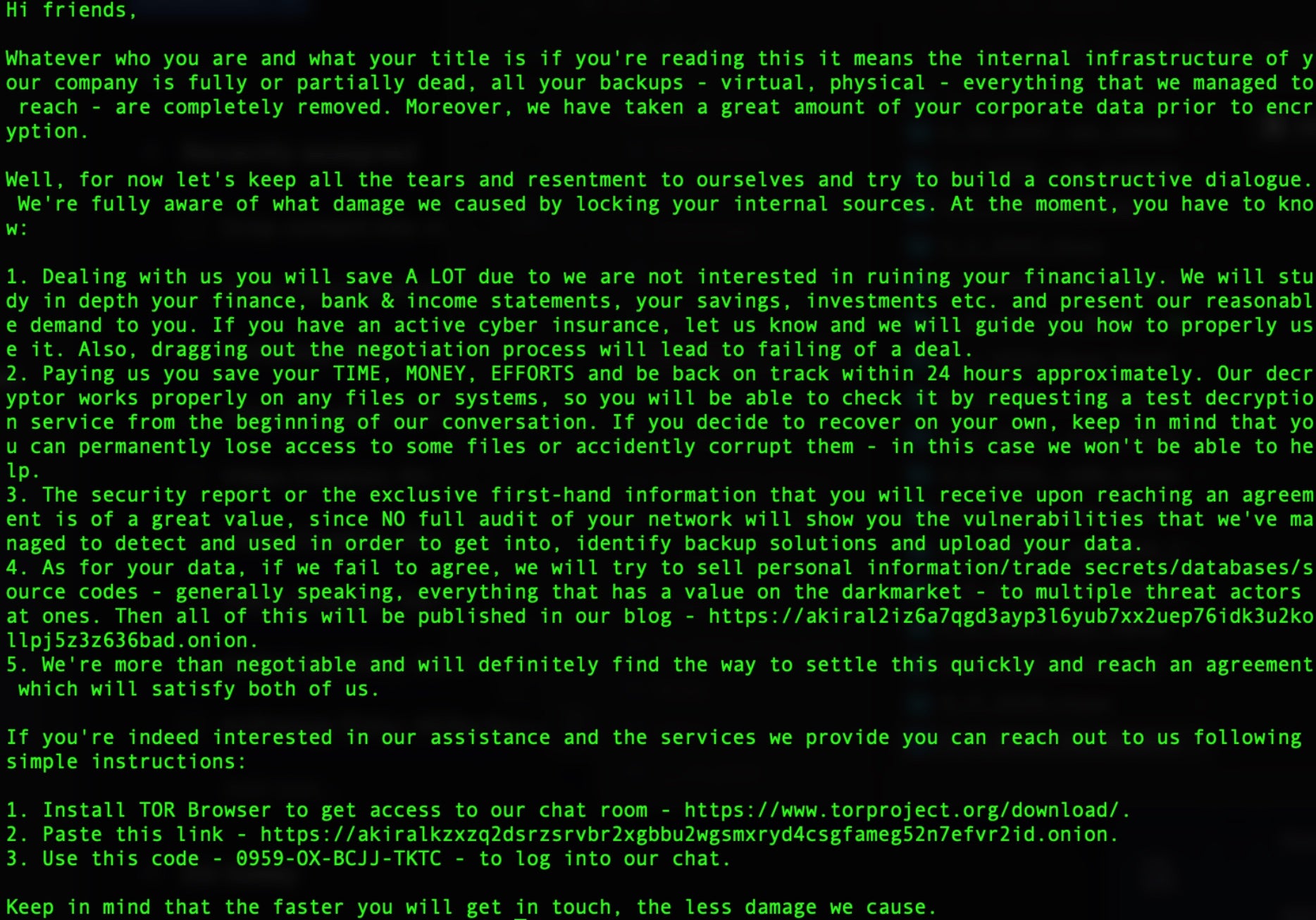
Akira ransomware operations were initiated in March 2023. The actor gained attention due to the ‘retro aesthetic’ applied to their DLS (Data Leak Site) and messaging. Actors behind Akira practice multi-extortion tactics and host a TOR-based (.onion) website where victims are listed along with any stolen data should a victim fail to comply with the ransom demands. Victims are instructed to contact the attacker via their TOR-based portal (.onion) where they enter a unique identifier provided in the ransom note they receive to begin the negotiation process. The group is known to require outrageous ransom payments, reaching hundreds of millions of dollars.
What Does Akira Ransomware Target?
Akira attackers do not discriminate when it comes to victimology outside of targeting large enterprises. As of this writing, educational institutions as well as those in the financial, manufacturing, real estate, and medical industries are all known targets of Akira attackers.
How Does Akira Ransomware Work?
Initial delivery is achieved by exploiting public facing service or applications. Weaknesses in multi-factor authentication (MFA) are often targeted as well as known vulnerabilities in VPN software. Attackers attempt to dump credentials though LSASS dumps, for further lateral movement and privilege escalation where necessary. The group has also been associated with other LOLBins/COTS tools like PCHunter64 or the use of minidumps.
Upon launch, the ransomware payloads will launch PowerShell commands to remove volume shadow copies (VSS). The ransomware appends the .akira extension to all files that are affected by the encryption. In the event that a file is locked by the Windows operating system, the ransomware will attempt to utilize the Windows Restart Manager (WRM) API to address said issues. VSS removal is handled via PowerShell command. The ransomware payloads are also known to contain hard-coded extensions to process for encryption, along with an exclusion list to prevent anything from inhibiting the encryption process. Affected files have a .akira extension added to them.
How to Detect Akira Ransomware
The SentinelOne Singularity XDR Platform can identify and stop any malicious activities and items related to Akira ransomware.
In case you do not have SentinelOne deployed, detecting Akira ransomware requires a combination of technical and operational measures designed to identify and flag suspicious activity on the network. This allows the organization to take appropriate action, and to prevent or mitigate the impact of the ransomware attack.
To detect Akira ransomware without SentinelOne deployed, it is important to take a multi-layered approach, which includes the following steps:
- Use anti-malware software or other security tools capable of detecting and blocking known ransomware variants. These tools may use signatures, heuristics, or machine learning algorithms, to identify and block suspicious files or activities.
- Monitor network traffic and look for indicators of compromise, such as unusual network traffic patterns or communication with known command-and-control servers.
- Conduct regular security audits and assessments to identify network and system vulnerabilities and ensure that all security controls are in place and functioning properly.
- Educate and train employees on cybersecurity best practices, including identifying and reporting suspicious emails or other threats.
- Implement a robust backup and recovery plan to ensure that the organization has a copy of its data and can restore it in case of an attack.
How to Mitigate Akira Ransomware
The SentinelOne Singularity XDR Platform can return systems to their original state using either the Repair or Rollback feature.
In case you do not have SentinelOne deployed, there are several steps that organizations can take to mitigate the risk of Akira ransomware attacks:
1. Educate Employees
Employees should be educated on the risks of ransomware, and on how to identify and avoid phishing emails, malicious attachments, and other threats. They should be encouraged to report suspicious emails or attachments, and to avoid opening them, or clicking on links or buttons in them.
2. Implement Strong Passwords
Organizations should implement strong, unique passwords for all user accounts, and should regularly update and rotate these passwords. Passwords should be at least 8 characters long, and should include a combination of uppercase and lowercase letters, numbers, and special characters.
3. Enable Multi-factor Authentication
Organizations should enable multi-factor authentication (MFA) for all user accounts, to provide an additional layer of security. This can be done through the use of mobile apps, such as Google Authenticator or Microsoft Authenticator, or through the use of physical tokens or smart cards.
4. Update and Patch Systems
Organizations should regularly update and patch their systems, to fix any known vulnerabilities, and to prevent attackers from exploiting them. This includes updating the operating system, applications, and firmware on all devices, as well as disabling any unnecessary or unused services or protocols.
5. Implement Backup and Disaster Recovery
Organizations should implement regular backup and disaster recovery (BDR) processes, to ensure that they can recover from ransomware attacks, or other disasters. This includes creating regular backups of all data and systems, and storing these backups in a secure, offsite location.
The backups should be tested regularly, to ensure that they are working, and that they can be restored quickly and easily.
Purpose Built to Prevent Tomorrow’s Threats. Today.
Your most sensitive data lives on the endpoint and in the cloud. Protect what matters most from cyberattacks. Fortify every edge of the network with realtime autonomous protection.
Get a DemoFrequently Asked Questions
Akira is a ransomware that attacks Windows and Linux systems. It first appeared in early 2023. The attackers will lock your data using ChaCha2008 encryption. They will steal your data and demand payment. Akira will ask for huge ransoms, often hundreds of millions of dollars. They go after big companies that can pay these large fees.
Akira targets companies in North America, Europe, and Australia. The attackers will focus on education, finance, manufacturing, and medical groups. They will hit large firms since they ask for big ransoms. If you work in these fields, you need extra protection. They pick targets that can’t afford downtime.
Akira enters systems through bad email attachments or by attacking VPN weaknesses. The attackers will hide their presence and steal login details from LSASS memory. They will use built-in Windows tools to avoid detection. Akira will steal your data, then lock it up. If you don’t pay, they will leak your data online.
Akira uses CryptGenRandom and ChaCha 2008 to lock your files. The setup is similar to Conti V2 ransomware. They will secure your data so only their key can unlock it. You can’t break this encryption yourself. If you see these methods in use, you’re dealing with Akira.
Akira adds “.akira” to the end of all locked files. Your “report.docx” turns into “report.docx.akira”. They will mark all your files this way. You can spot an attack by looking for this extension. If you see these file names, you know Akira has hit your system.
You’ll see files with .akira extensions. The attackers will leave ransom notes with payment instructions. They will delete shadow copies to block recovery. Your security tools might stop working. You might notice strange network traffic as they steal your data before encryption starts.
Set up multi-factor login checks on all accounts. You need to patch VPN systems, mainly Cisco VPNs. Train your staff to spot fake emails. Back up your data often and keep copies offline. You should test these backups regularly. Block suspicious email attachments before they reach your team.
Disconnect infected systems from your network right away. You need to call in security experts. Check what data has been taken or locked. Contact law enforcement like the FBI. You should restore from clean backups if you have them. Don’t pay the ransom if you can avoid it.