Play Ransomware: In-Depth Analysis, Detection, and Mitigation
What Is Play Ransomware?
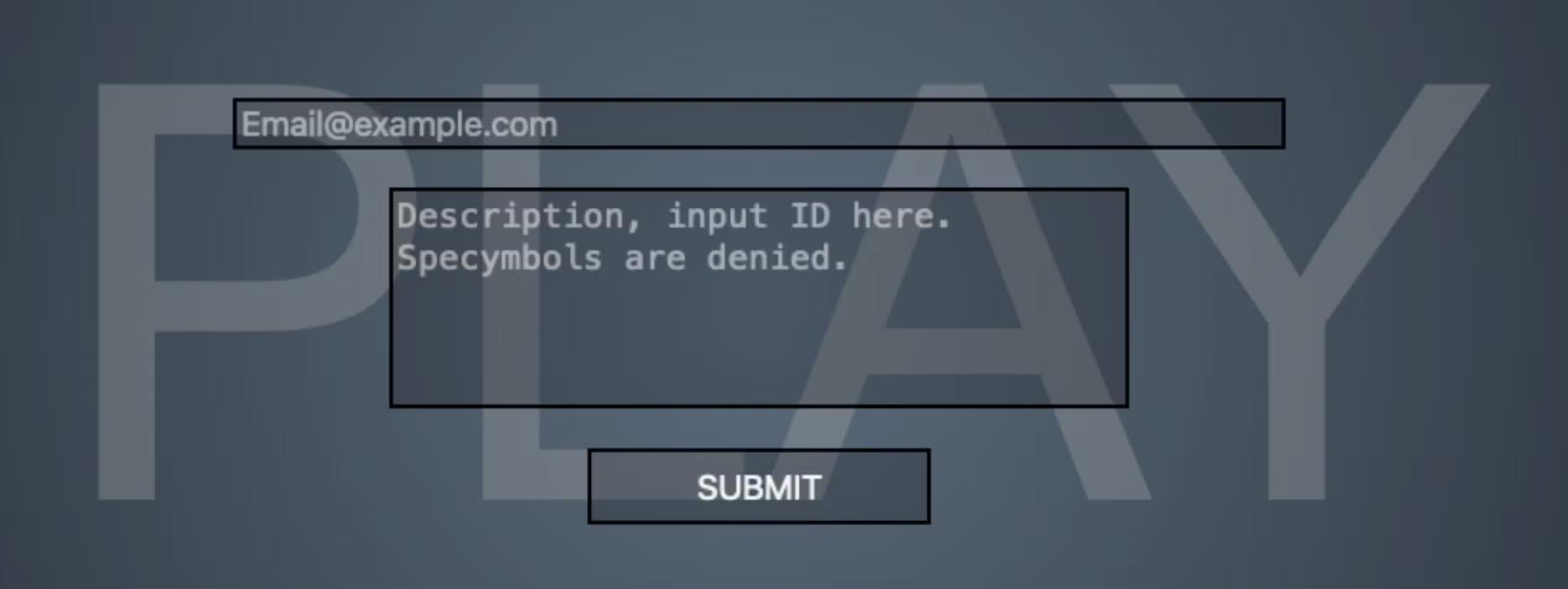
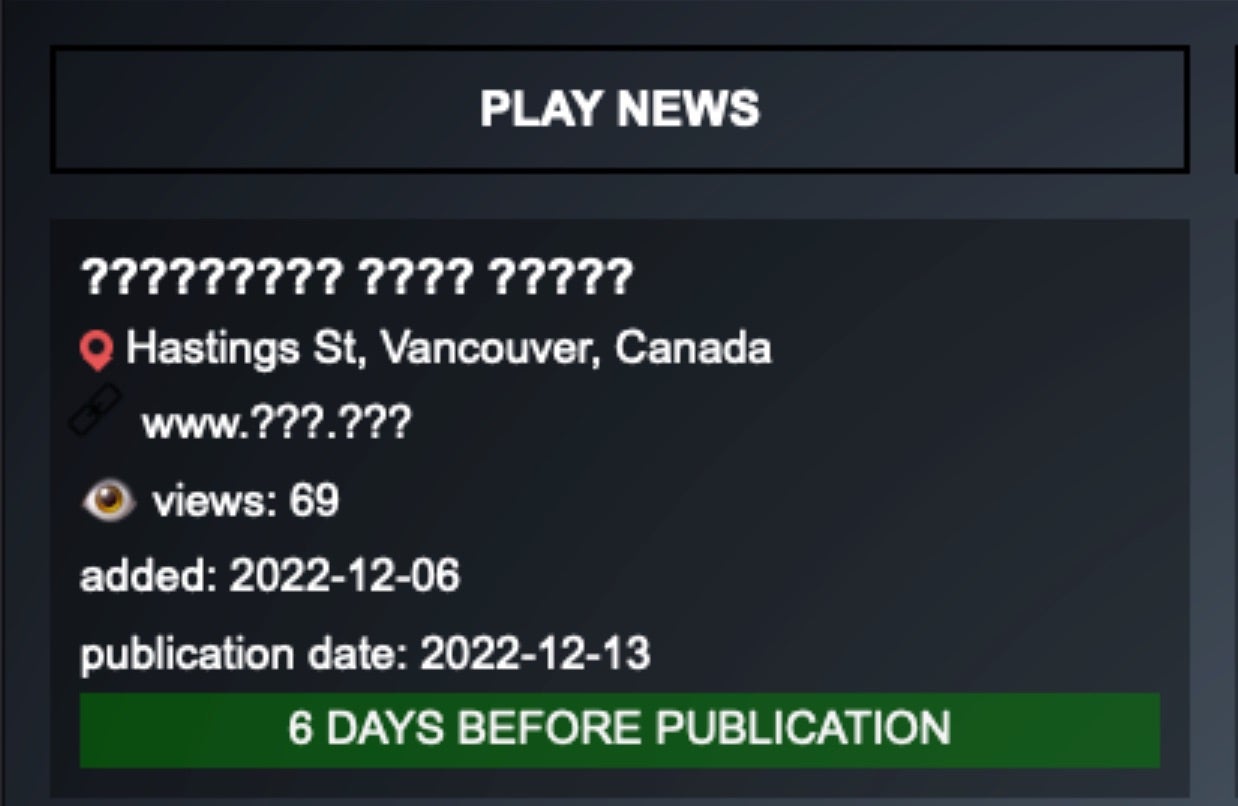
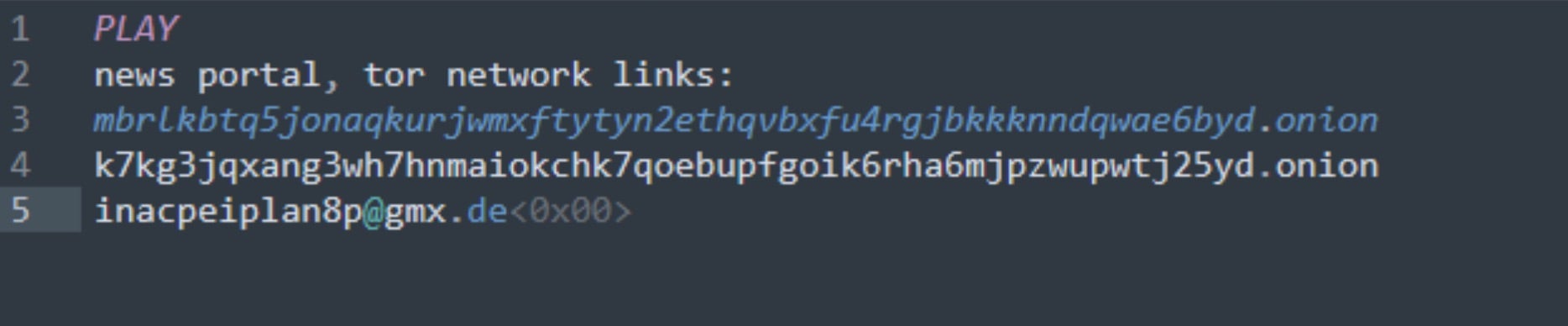
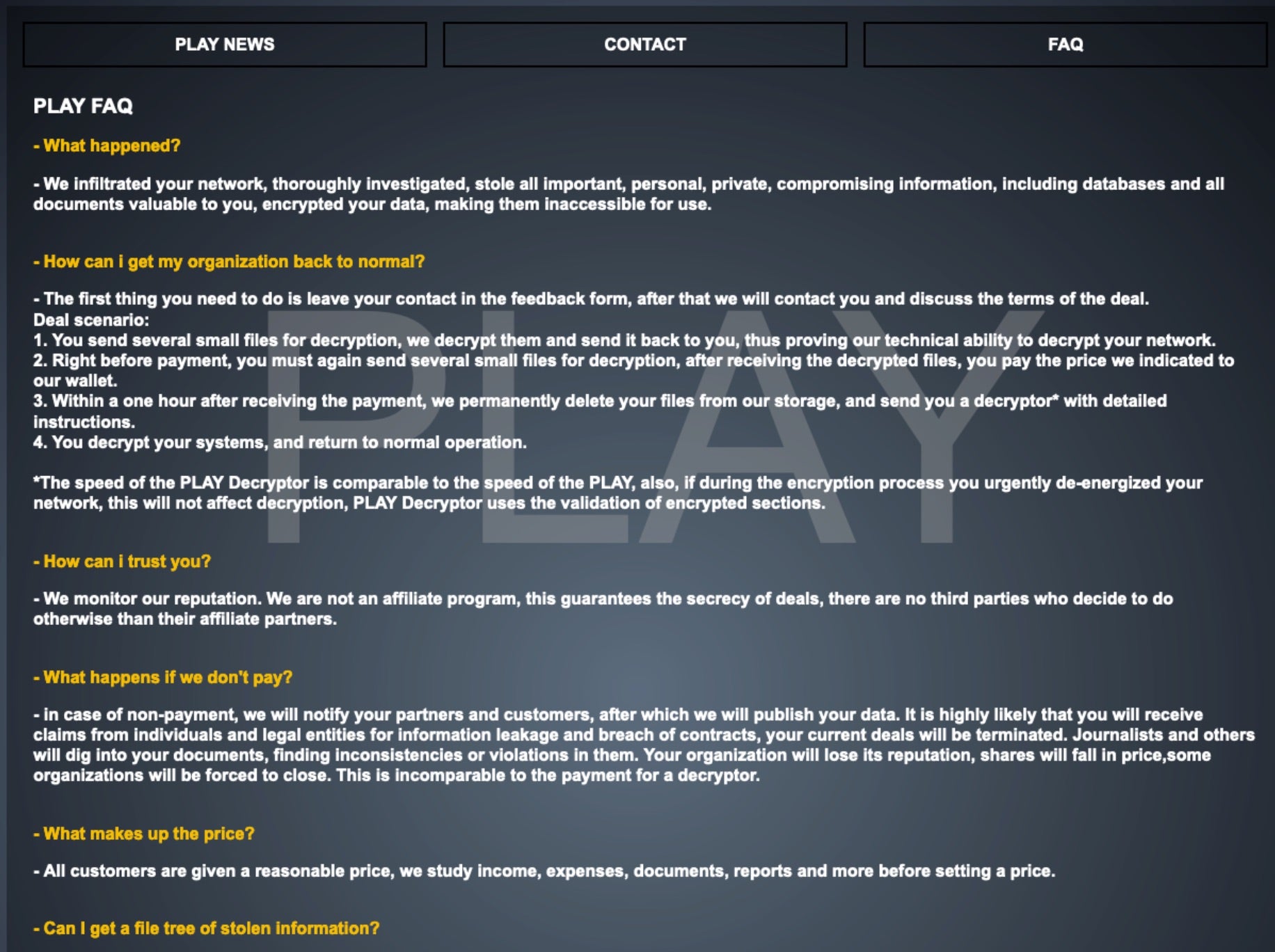
Play ransomware was first observed around June of 2022. The ransomware family’s name is derived from the .play extension added to files once they have been encrypted by the ransomware. The group focuses on multi-extortion in that they encrypt target organizations’ data, but also threaten to post the data to their public TOR-based sites.
What Does Play Ransomware Target?
Play attackers do not discriminate when it comes to victimology outside of targeting large enterprises. As of this writing, medical institutions as well as those in the financial, manufacturing, real estate, and educational industries are all known targets of Play attackers.
How Does Play Ransomware Work?
The actor’s preferred mechanism for initially compromising their targets is via vulnerability exploitation. Exposed or ‘rented-out’ RDP servers are prime targets. They are also known to target specific vulnerabilities within Fortinet FortiOS. Threat actors behind Play ransomware have also used the ProxyNotShell exploits to gain a foothold where possible.
Once inside a targeted environment, the group makes every attempt to mask their activity and remain stealthy. This is achieved by replying heavily on the use of LOLBins. The group is also known to use commodity tools such as AnyDesk, NetScan, and Advanced IP Scanner. The payloads are often spread through active directory (AD) environments via GPO.
Common tool sets like Cobalt Strike, System BC, Empire, Mimikats and the like are used for lateral movement and discovery task; continuing the use of COTS/LOLBIN/LOTL-centric tactics.
In addition, the team has also embraced the use of tools like Grixba and AlphaVSS to assist in enumeration, discovery, termination, and exfiltration tasks. Play ransomware is also one of several ransomware families to utilize intermittent encryption. This is a method of partially encrypting specifically-sized chunks of data within files to assist in evasion of legacy malware detection systems.
How to Detect Play Ransomware
The SentinelOne Singularity XDR Platform can identify and stop any malicious activities and items related to Play Ransomware.
In case you do not have SentinelOne deployed, detecting Play ransomware requires a combination of technical and operational measures designed to identify and flag suspicious activity on the network. This allows the organization to take appropriate action, and to prevent or mitigate the impact of the ransomware attack.
To detect Play ransomware without SentinelOne deployed, it is important to take a multi-layered approach, which includes the following steps:
- Use anti-malware software or other security tools capable of detecting and blocking known ransomware variants. These tools may use signatures, heuristics, or machine learning algorithms, to identify and block suspicious files or activities.
- Monitor network traffic and look for indicators of compromise, such as unusual network traffic patterns or communication with known command-and-control servers.
- Conduct regular security audits and assessments to identify network and system vulnerabilities and ensure that all security controls are in place and functioning properly.
- Educate and train employees on cybersecurity best practices, including identifying and reporting suspicious emails or other threats.
- Implement a robust backup and recovery plan to ensure that the organization has a copy of its data and can restore it in case of an attack.
How to Mitigate Play Ransomware
The SentinelOne Singularity XDR Platform can return systems to their original state using either the Repair or Rollback feature.
In case you do not have SentinelOne deployed, there are several steps that organizations can take to mitigate the risk of Play ransomware attacks:
- Educate employees: Employees should be educated on the risks of ransomware, and on how to identify and avoid phishing emails, malicious attachments, and other threats. They should be encouraged to report suspicious emails or attachments, and to avoid opening them, or clicking on links or buttons in them.
- Implement strong passwords: Organizations should implement strong, unique passwords for all user accounts, and should regularly update and rotate these passwords. Passwords should be at least 8 characters long, and should include a combination of uppercase and lowercase letters, numbers, and special characters.
- Enable multi-factor authentication: Organizations should enable multi-factor authentication (MFA) for all user accounts, to provide an additional layer of security. This can be done through the use of mobile apps, such as Google Authenticator or Microsoft Authenticator, or through the use of physical tokens or smart cards.
- Update and patch systems: Organizations should regularly update and patch their systems, to fix any known vulnerabilities, and to prevent attackers from exploiting them. This includes updating the operating system, applications, and firmware on all devices, as well as disabling any unnecessary or unused services or protocols.
- Implement backup and disaster recovery: Organizations should implement regular backup and disaster recovery (BDR) processes, to ensure that they can recover from ransomware attacks, or other disasters. This includes creating regular backups of all data and systems, and storing these backups in a secure, offsite location. The backups should be tested regularly, to ensure that they are working, and that they can be restored quickly and easily.
Frequently Asked Questions
Play ransomware is a file-encrypting malware that was first seen in mid-2022. The attackers target companies via exposed networks and phishing attacks. They encrypt files and ask for payment to decrypt them. Play operators place a ransom note titled “PLAY_README.txt” in every folder containing encrypted files. The gang has a data leak site where they leak stolen data if the victims fail to pay the ransom.
Play attacks various sectors like government, healthcare, education, and manufacturing. It will target Latin America, North America, and Europe. The attackers are not discriminatory by organisational size—they attack small and large companies. If you are in these countries, you need to be more cautious. Play operators will attack organisations with weak security controls and limited IT resources.
Play ransomware uses AES-256 and RSA-2048 encryption algorithms to encrypt files. It will encrypt documents, images, databases, and backups on all connected drives. After encryption, all the files will be renamed with the “.PLAY” extension. You can identify affected files by this extension. Play will keep some system files unencrypted to keep the computer running, so the victims can pay the ransom.
Play spreads through networks by exploiting RDP connections and vulnerable VPN appliances. The attackers use PsExec and WMI for lateral movement. They steal admin credentials and assault domain controllers. If you have unpatched systems, they will use those to gain access. Play operators disable security tools and then spread the ransomware on multiple machines simultaneously.
Play ransomware IOCs include the “PLAY_README.txt” ransom note inside encrypted directories. Search for sudden file extension modification to “.PLAY” for files of all kinds. The attackers will create new administrator accounts and disable security services. The logs show abnormal PowerShell activity and PsExec usage. If you look deep enough, there is excessive data traffic to remote IPs in network traffic.
Organisations can detect play ransomware by tracking unusual admin account creation and credential usage. You can set alerts for bulk file modifications and extension changes. Look for disabled security services and antivirus programs. With network monitoring, look for massive outbound data movement. Play attackers will conduct their attacks during off-hours, so monitor system activity 24/7.
Isolate infected systems from the network immediately to prevent propagation. You can alert agencies like the FBI or CISA and report to law enforcement. Activate your incident response process and assess the level of damage. Do not pay the ransom without the advice of security experts. If you have backups kept offline, prepare them for restoration. Document everything for possible future investigations and insurance claims.